For birthdays, weddings, anniversaries and more
Years of photos. One moving video.
Your photos


Your video
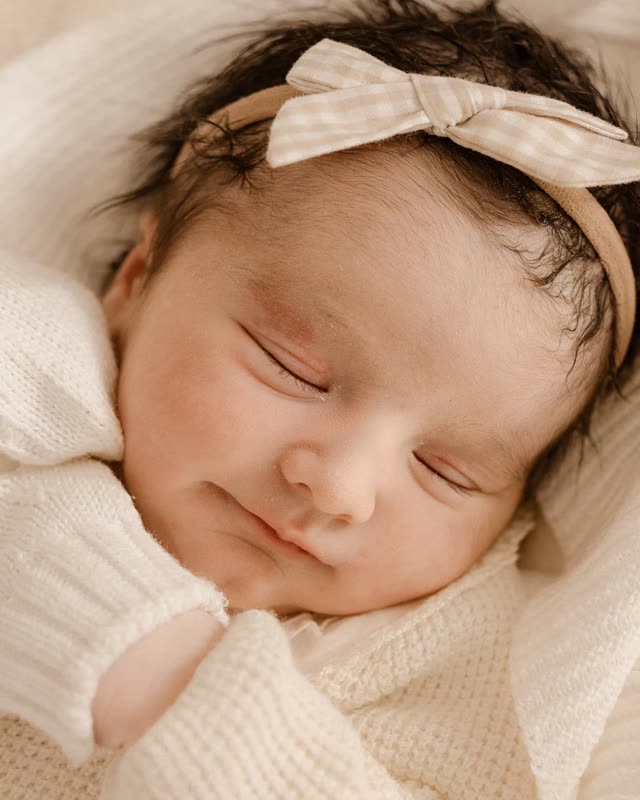
Send us photos from different years. We make each one move and turn into the next: a child grows up, a couple grows old together, a puppy becomes your best friend. It’s one continuous shot, no slideshow.
- Music included
- Ready in 14 business days
- Photos deleted after delivery
How it works
- 1
Pick your photos
Choose up to 10, 30 or 50 and put them in order, oldest first.
- 2
Choose a song
Music’s included. You pick the song when you order.
- 3
We make the video
Each photo moves and turns into the next. You get a download link within 14 business days.
What people make them for
Birthdays, weddings, anniversaries, a pet’s life, a goodbye. Pick one to see which photos to use.
Birthday
From newborn to the birthday star
See the ideaAnniversary
From the day you met to today
See the ideaWedding
How we met, shown at the wedding
See the ideaPets
From puppy or kitten to now
See the ideaSweet 16
Popular in the USSixteen years in one minute
See the idea18th & 21st birthday
Popular in the USFrom baby to grown-up
See the ideaBaby's first year
Popular in the USTwelve months of tiny changes
See the ideaGraduation
From first day of school to cap and gown
See the ideaWhy it’s not a slideshow
No fades, no cuts
The person keeps moving and gets older between your photos, so it plays like one long shot.
Still looks like them
A person checks every transition. If a face looks wrong, we make that clip again.
Made for phones
It’s a vertical HD video. Send it on WhatsApp, post it, or play it on the screen at the party.
Your photos stay yours
We use them only for your video and delete them 60 business days after delivery. We never train AI on them.
Pay by the number of photos
More photos make a longer video. Music and HD come with every package.
Moments
Up to 10 photos · ~1 min video
$24.99one-time
- Up to 10 photos
- Every photo moves and turns into the next
- Music included, you pick the song
- Vertical HD video for phone & social
- Ready within 14 business days
- Free redo if a clip looks wrong
Story
Up to 30 photos · ~3 min video
$49.99one-time
- Up to 30 photos
- Every photo moves and turns into the next
- Music included, you pick the song
- Vertical HD video for phone & social
- Ready within 14 business days
- Free redo if a clip looks wrong
Lifetime
Up to 50 photos · ~5 min video
$99.99one-time
- Up to 50 photos
- Every photo moves and turns into the next
- Music included, you pick the song
- Vertical HD video for phone & social
- Ready within 14 business days
- Free redo if a clip looks wrong
One-time payment. Prices in US dollars; applicable sales tax is calculated at checkout.
Common questions
What exactly do I get?
One vertical HD video (MP4) where each of your photos moves and turns into the next, set to the song you chose.
How long does it take?
Your video is delivered within 14 business days after we receive your photos. Every transition is reviewed by a person before delivery.
How many photos do I need?
At least 2, and up to 10, 30 or 50 depending on the package. Roughly, each photo adds 6 seconds of video, so 10 photos make about a minute.
Is music included?
Yes. Every package includes music; you pick the song when you order.
What happens to my photos?
They are used only to create your video and are deleted 60 business days after delivery. We never sell them or use them to train AI. Details in our privacy policy.
Will the face still look like the person?
Yes, that is our first priority. The AI starts and ends every transition on your real photos, and we redo any clip where the face looks off.
Got the photos? That’s the hard part done.
Pick them, put them in order, choose a song. We’ll take it from there.
Create my video